
Supported Languages and Voice Acting
Compare Worst Class Ever language support in the demo and full-game Steam listings, including Chinese audio and the seven listed full-game languages.
Which languages are listed for each version?
The full-game listing currently names seven languages, while the separate demo lists three. This is a version difference, not evidence that all announced localizations can already be selected in the demo. The table reflects Steam’s supported-language entries checked on November 1, 2026, rather than a claim that we tested every menu.
| Language | Full-game listing | Demo listing |
|---|---|---|
| English | Listed | Listed |
| Simplified Chinese | Listed | Listed |
| Traditional Chinese | Listed | Listed |
| French | Listed | Not listed |
| German | Listed | Not listed |
| Japanese | Listed | Not listed |
| Korean | Listed | Not listed |
Compare the full game with the demo page before downloading specifically for a language. For installation instructions, use the official demo download guide.
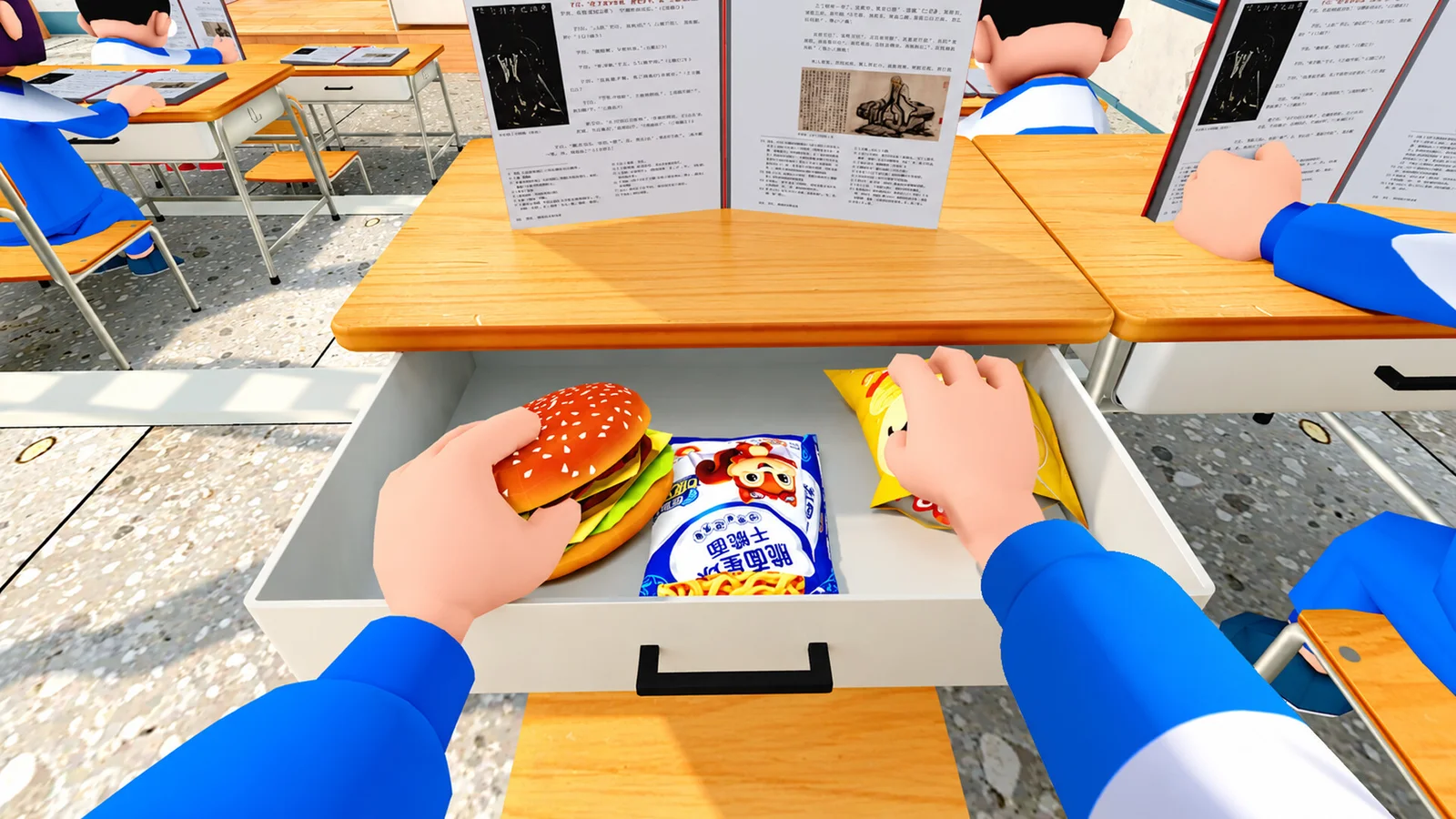
Does every supported language have voice acting?
No such conclusion follows from the language list. Steam’s full-game entry marks Simplified Chinese with its full-audio notation. Listing English, French or Japanese as supported does not by itself promise a dubbed performance in that language. Interface text, subtitles and full audio are separate forms of localization and should be checked separately.
The saved demo language string does not make an equivalent full-audio promise. We therefore do not label the demo as fully voiced in all three listed languages, nor present an unsupported list of dubbed roles. Player voice chat is a multiplayer feature and is separate from the language spoken by game characters.
What if your preferred language is missing?
First check whether you installed the demo or are reading the forthcoming full game’s store page. A language listed for the paid release may simply not be listed for the current demo. Then let Steam finish updates and inspect the language options actually offered by your installed build and its Steam properties.
Do not assume a specific in-game language-menu path or paste an unofficial language file into the installation directory. If the listing promises support but your updated build does not offer it, record the app name, build information and missing language when reporting the issue. Our troubleshooting page explains what details to collect without claiming a universal fix.
For players deciding whether to wait, the demo-versus-full comparison covers the other announced differences. The release-date page also explains why a full-game listing should not yet be treated as a shipped feature checklist.
Related guides
Sources and version
Checked November 1, 2026. These guides use official descriptions and dated updates, not claimed personal playtesting.
Related Articles
game-info
How to Download the Free Demo
Find the official Worst Class Ever Demo on Steam, check the Windows requirements, and learn how its six-player version differs from launch plans.
game-info
Demo Update History
Track the major Worst Class Ever demo updates: friend invites, room joining, player-count balance, crawling, back doors and the fourth-floor Computer Lab.
game-info
Demo vs Full Game: Players and Planned Features
Compare the current six-player Worst Class Ever Demo with the announced eight-player full release, new classrooms, room settings and language support.
Was this helpful?
Thanks for the feedback!